Resources: https://cloud.haacksnetworking.org/index.php/s/rrMY5sYXBrBs2zM
Presentation: https://content.haacksnetworking.org/w/p/4PTUKXVdejWf7UTo4eZXpg
This blog post and associated presentation are an attempt by me to gather together a bunch of projects that helped me bring about more control over my data and computer infrastructure. Having used computers since the early 80s as a kid, I have always been accustomed to managing your own tools and content locally – instead of leaving these matters up to a provider/host. The big ones are:
- Website [done]
- Groupware (Calendars, Contacts, Bookmarks, RSS) [done]
- Router / AP [done]
- Photos [done]
- Files [done]
- Email / Chatmail [done]
- Virtualization (VMs, Containers) [done]
- ipv6 [completed for this presentation]
- DNS [completed for this presentation]
- What comes next?
These are listed in order of project age – the oldest is at the top. My first website self-hosting began in the late 90s as did my first serious sysadmin work. Self-hosting email begins in the mid to late 2010s and matures in the early 2020s. The holy grail of self-hosting, however, bind9 and DNS, was left untouched. An once I had a production-ready co-located server up, there was no longer any reason not to host my own authoritative DNS records. But/and, just as I was starting to tinker with DNS and set up my first server, I was realizing how badly I needed – and wanted – ipv6 functionality on both the LAN and WAN. This began as general curiosity but turned personal when emails started failing.
Hidden ipv6 causes havoc on self-hosted email servers
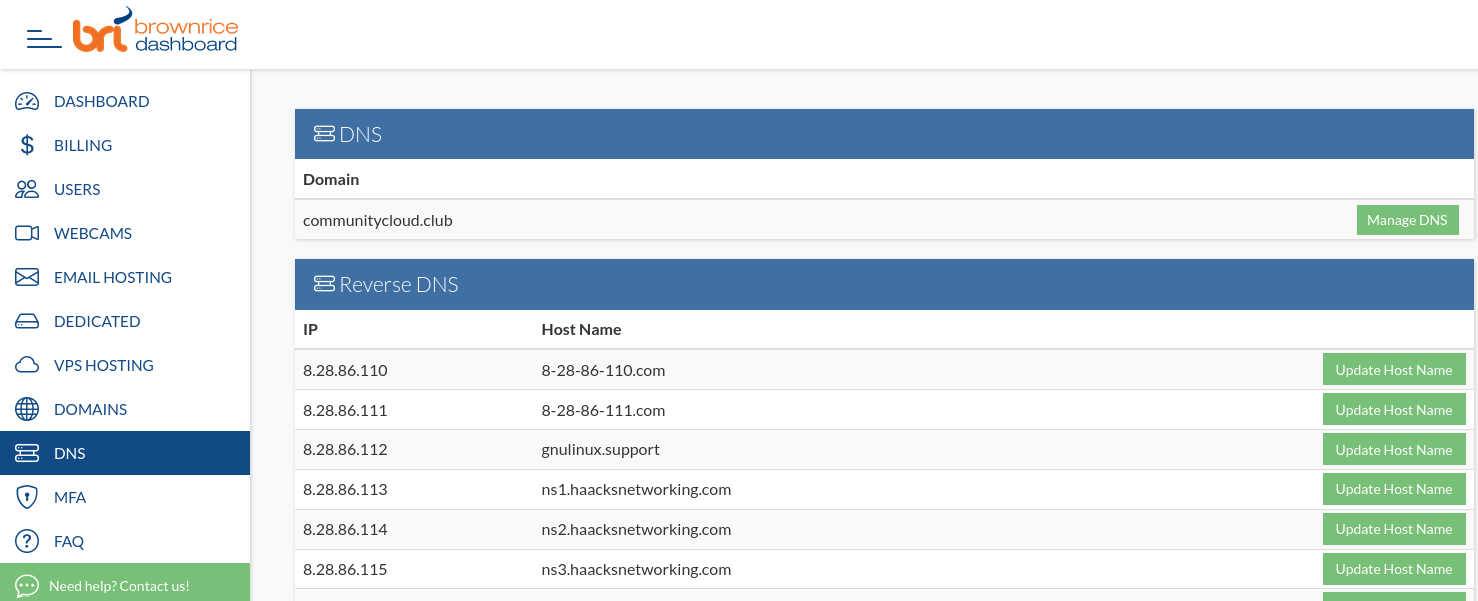
Coming fresh off of having settled on a self-hosted email server recipe, I was now using the domain and email full-time, and emails were sporadically failing. A colleague who also hosts at the same Data Center was having the exact same problem. After digging into which emails were failing, they turned out to be emails that were exclusively outgoing over ipv6. In looking at my interfaces, I could see that indeed – despite being at the time an ipv4 only public network – the data center was assigning not just my host but all VMs an ipv6 address. The addresses were fully functional/routable and the email servers, initially using default allowances for ipv4 and ipv6, were picking up the interface and sending out over it. Google and Microsoft would barf (error 550-5.7.25) at these emails, however, because they lacked PTR records.
2024-03-14T13:11:26.011411+02:00 mail postfix/smtp[548380]: 053193EC46: to=<someone@gmail.com>, relay=gmail-smtp-in.l.google.com[2607:f8b0:4003:c24::1a]:25, delay=2, delays=0.38/0.03/0.98/0.66, dsn=5.7.25, status=bounced (host gmail-smtp-in.l.google.com[2607:f8b0:4003:c24::1a] said: 550-5.7.25 [2001:db8::1] The IP address sending this message does not have a PTR record setup, or the corresponding forward DNS entry does not point to the sending IP. As a policy, Gmail does not accept messages from IPs with missing PTR records. For more information, go to https://support.google.com/mail/answer/81126#ip-practices 550 5.7.25 https://support.google.com/mail/answer/81126. (in reply to end of DATA command))This would only happen on ipv6 as customers were already able to configure PTR for ipv4. In contacting Brown Rice, they were initially somewhat unaware of the issue due to it being a quiet push of the taredo ipv6 tunnel on the same pipe as the ipv4 they purchase. After 6 months of fact finding, Brown Rice confirmed they did have access to PTR record setting for the block they get from Hurricane Electric and they were now offering to let me test ipv6 functionality including PTR record setting. This opportunity would allow me to get smtp over ipv6 to work, then extend ipv6 functionality to the whole server and virtualization stack. This issue brings up the need to manage ipv6 PTR and to replace Gmail w/ self-hosted email so you can control your own reject/accept policies as you see fit instead of letting Google decide.
Gallery:
Receipts:
Extending ipv6 functionality to additional vlans/subnets in openWRT
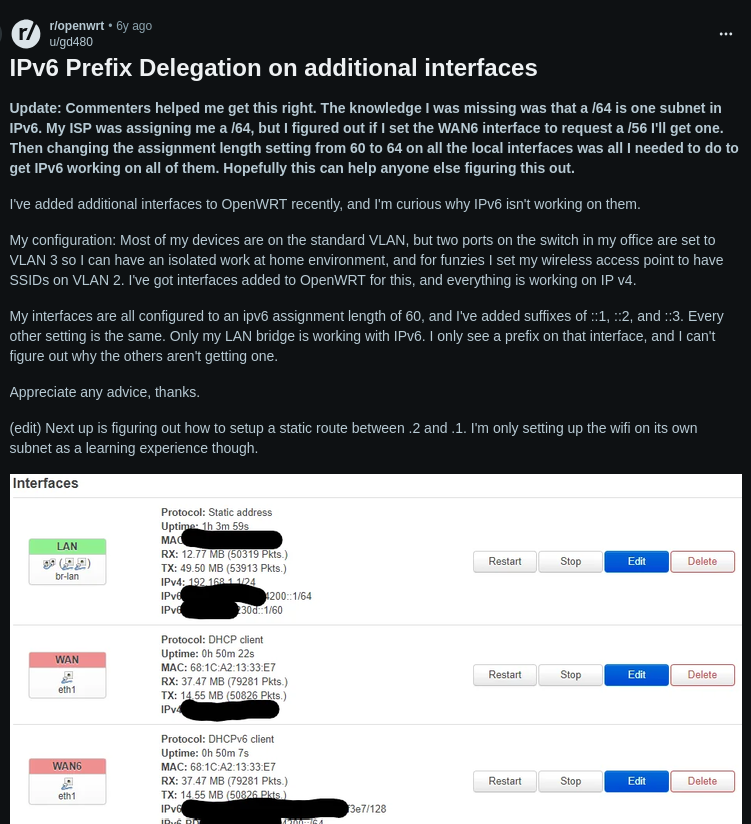
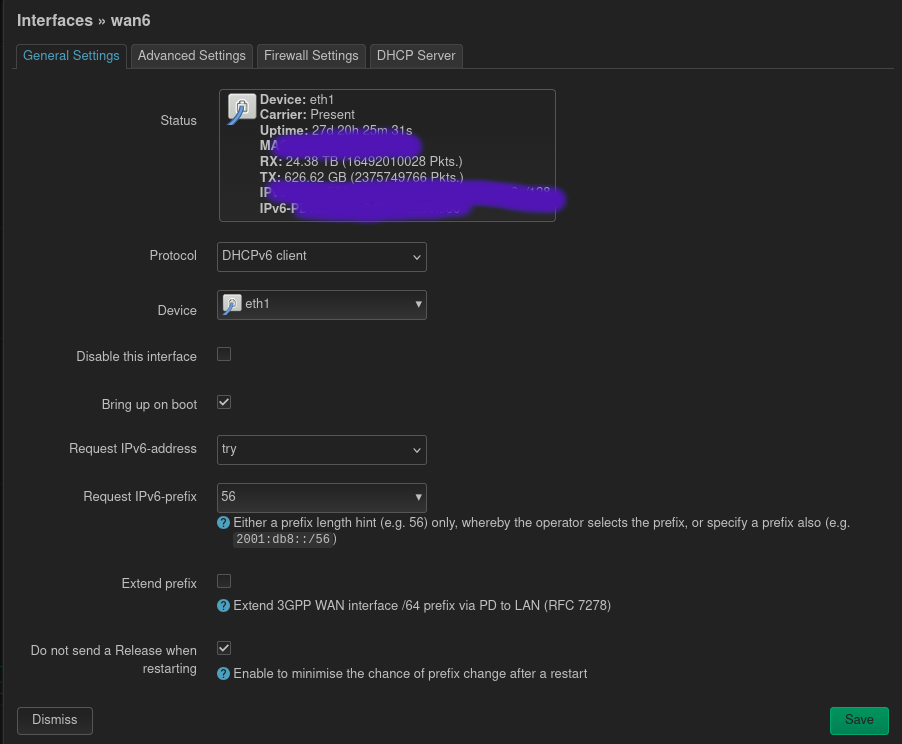
Since I had now solved the riddle of ipv6+email and had used it to test and implement ipv6 across the board at Brown Rice Data Center, I was ready to tackle ipv6 on the LAN. I was also dealing with speed issues on the home LAN, and was just upgrading the home office and broader home network across the board. Accordingly, I had just bought two new Flint 2s (router / dumb AP) and was setting up the new network into business and family subnets/vlans. By default, only ipv4 works on the newly created subnets/vlans, but this was creating issues for some kids’ games and some things on the wife’s phone that were requiring ipv6. Although I can no longer remember what the kids/wife needed, ipv6 was at the same time becoming more common on customer phones and was causing issues with accessing cameras. So, I began searching online without much success until I found gd40’s post from 4 years prior about changing the prefix delegation, including his update / realization. He had posted the question and then come back some time later to leave the easy answer for others on the same journey. Within minutes of reading his post, I had requested a /56 and received it and then went in and changed each subnet/vlan to its own /64 out of the 256 I was just given. Although I knew it was possible to “split up” the /64, I had not figured it out and the “changing the prefix approach” seemed to be baked into openWRT.
Gallery:
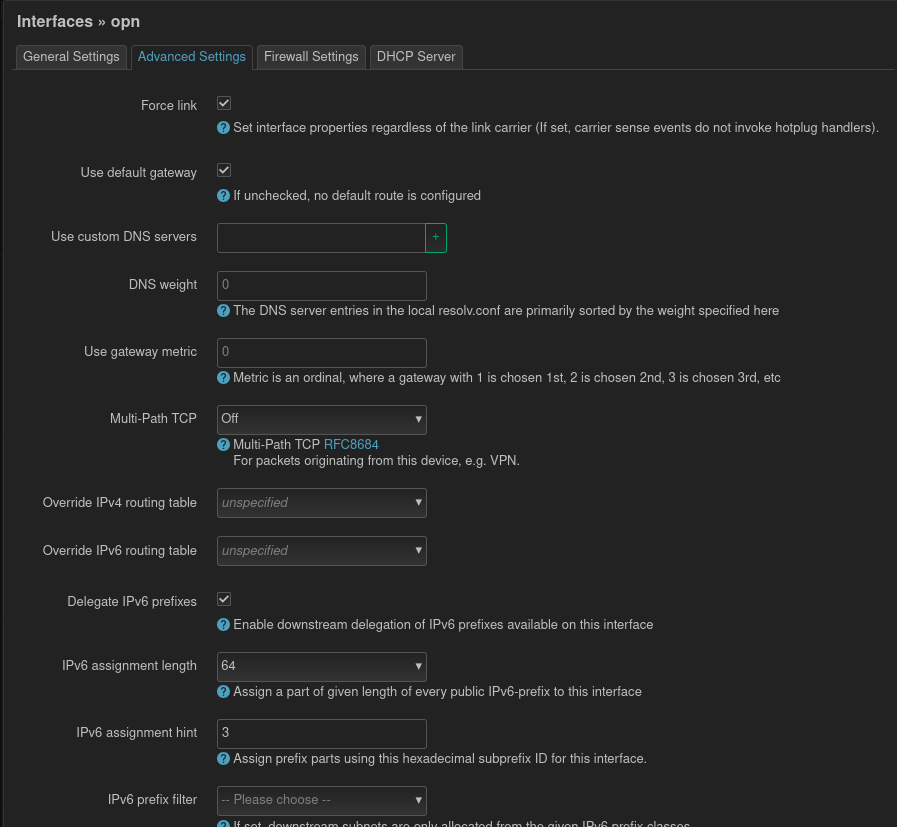
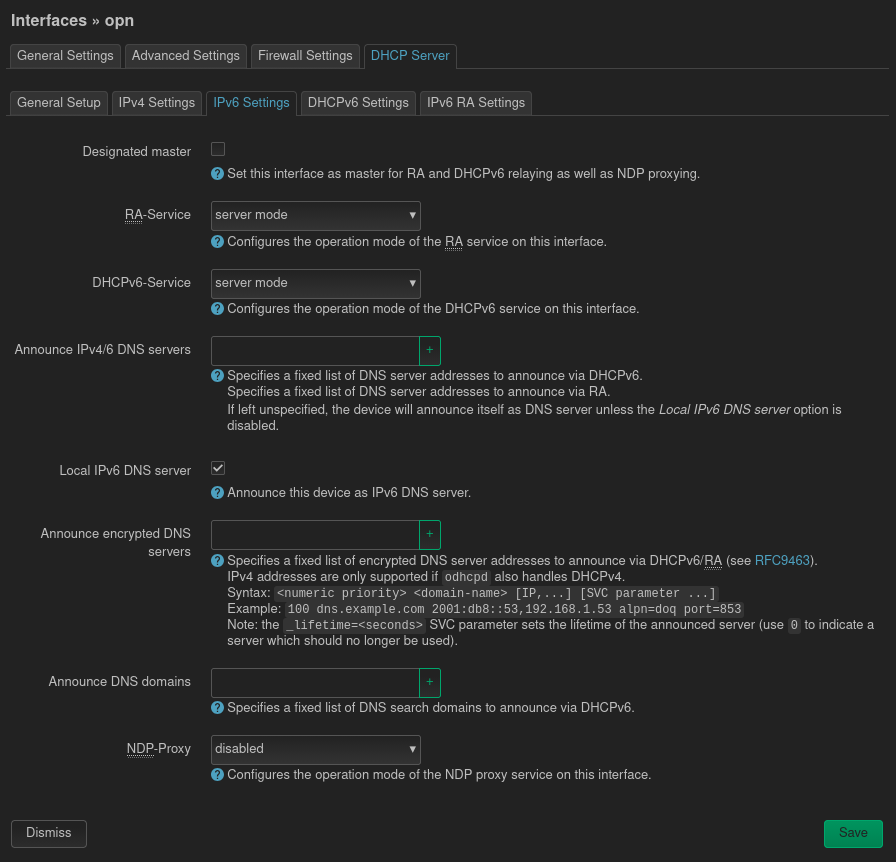
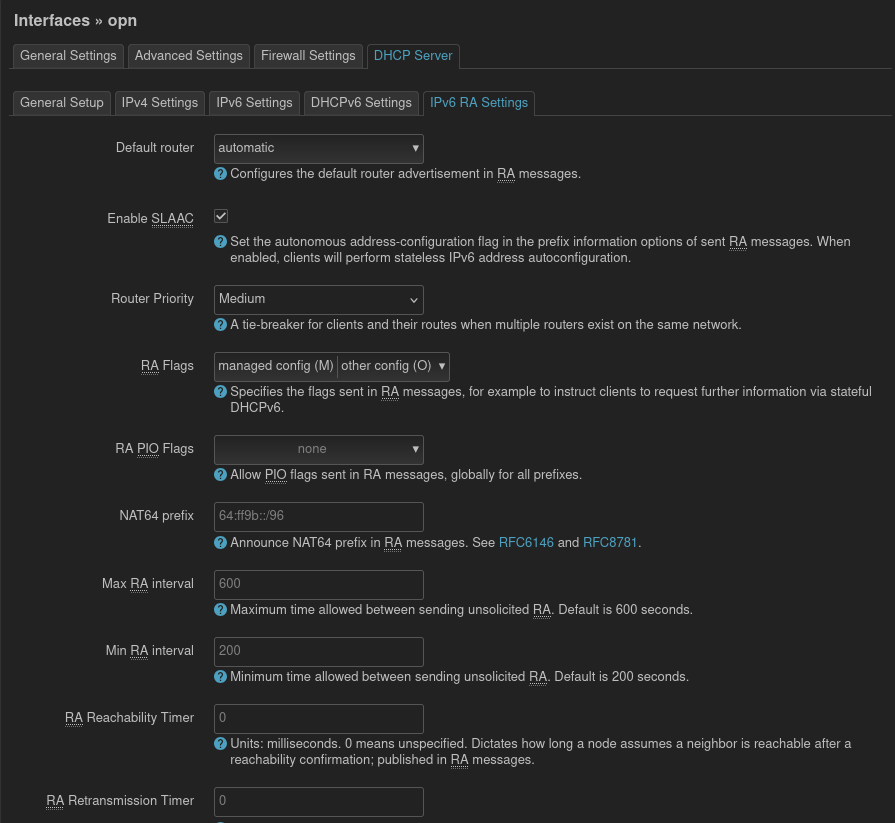
Receipts:
- openWRT base setup for Router, Dumb AP, up to 256 vlans/subnets
- Desktop Client Setup w/ Network Manager
- Bridging w/ Network Manager
- Classic Bridging w/ ifupdown
- gd40’s Reddit post
Setting up unbound and pihole on openWRT
By the fall of 2024, the family/business subnets/vlans were fully ipv6 functional, so I was able to dedicate more time to setting up the piholes+unbound servers in a reliable manner. First of all, I wanted to virtualize them and use the three mini Ryzens currently doing this (overkill) in other parts of the office and/or at work. But, virtualizing the pihole+unbound server can be tricky as the virtualized pihole connects to the bridge from the host/hypervisor machine (in this case a highly modded Dell 8700). I had gotten things working many times in past attempts but bad dhcp settings got me into loops/resolving troubles. I also gave the vms dedicated vnet identifiers, ensured reliable console access, vnc access via cockpit, and backed up the MAC addresses / .xml configuration (treated these as permanent assets, not ephemeral hobbyist VMs), and created a weekly backup / upgrade script. For the lan-side DNS, resolv.conf is:
nameserver 10.78.78.150
nameserver 10.78.78.160
nameserver fdf7:e9e7:a2cd:5:425g:5585:b420:7f9d
nameserver fdf7:e9e7:a2cd:5:5913:2cc9:7462:gf2d
Gallery:
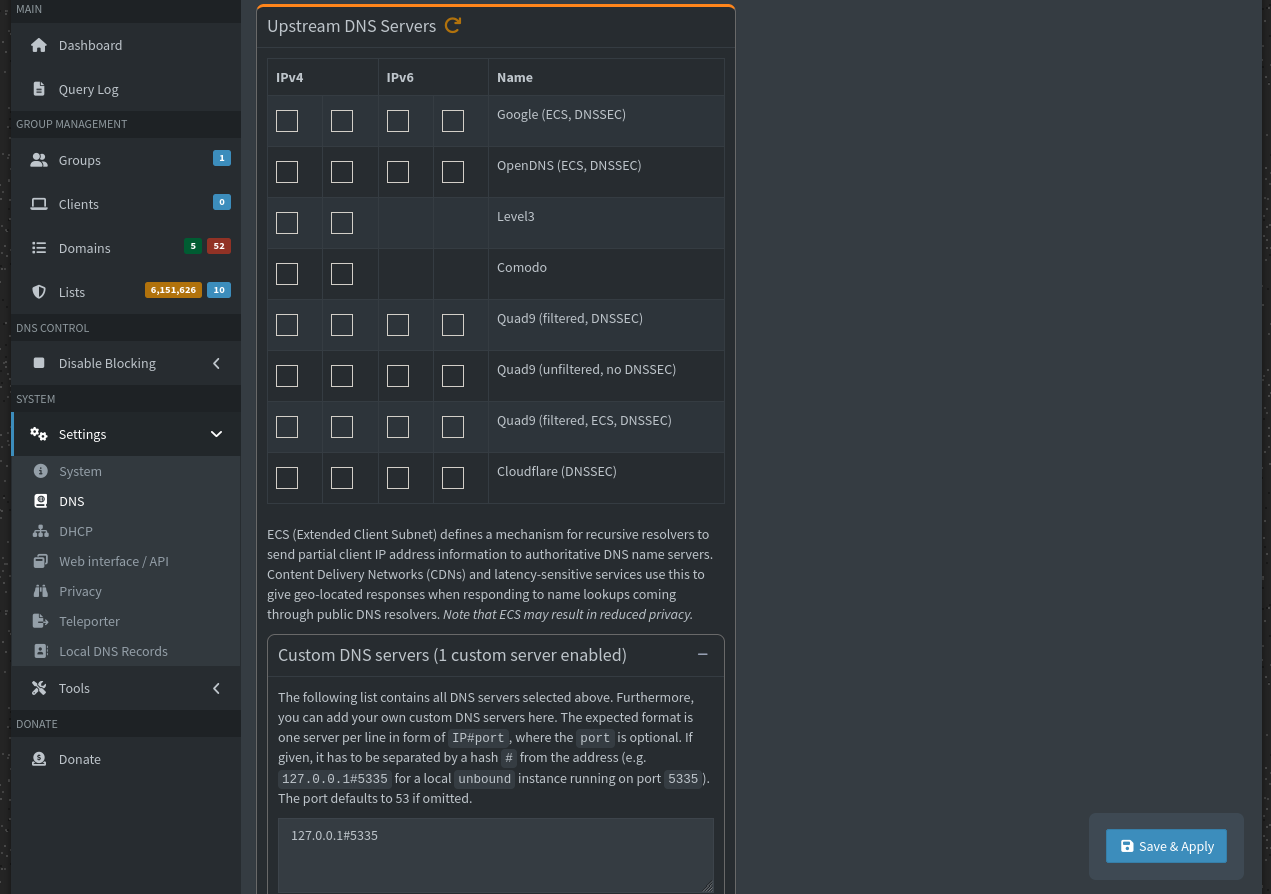
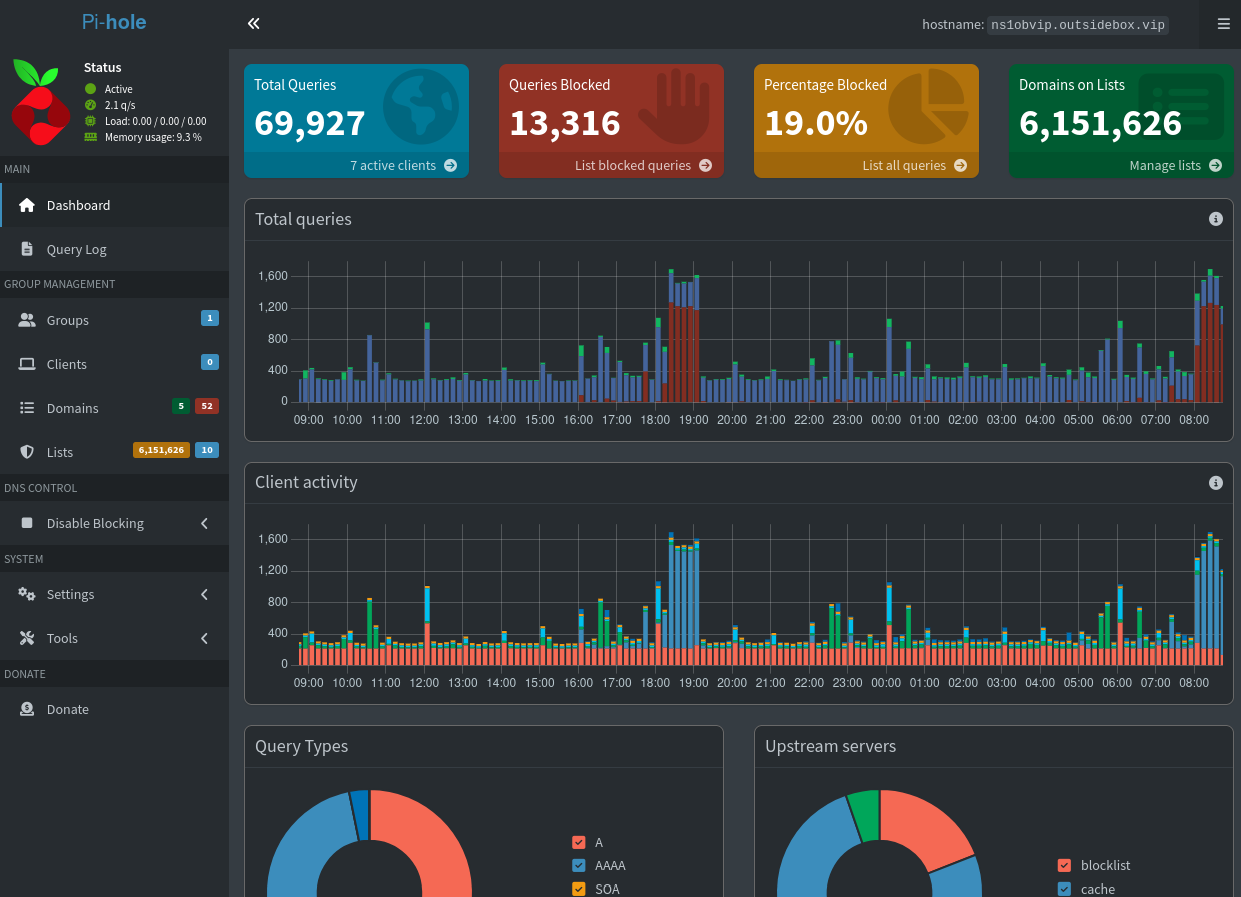
Receipts:
- Pihole Basics (Configure .toml – see bottom)
- Virt Manager Hell (Establish custom vnet and MAC names)
- Ubound + Pihole + openWRT (Have router / dumb AP utilize unbound+pihole for network)
- Pihole Update Script
- Hijacking DNS from stubborn and/or rogue clients
- Unbound LAN-side Config
Bringing Unbound to the Data Center
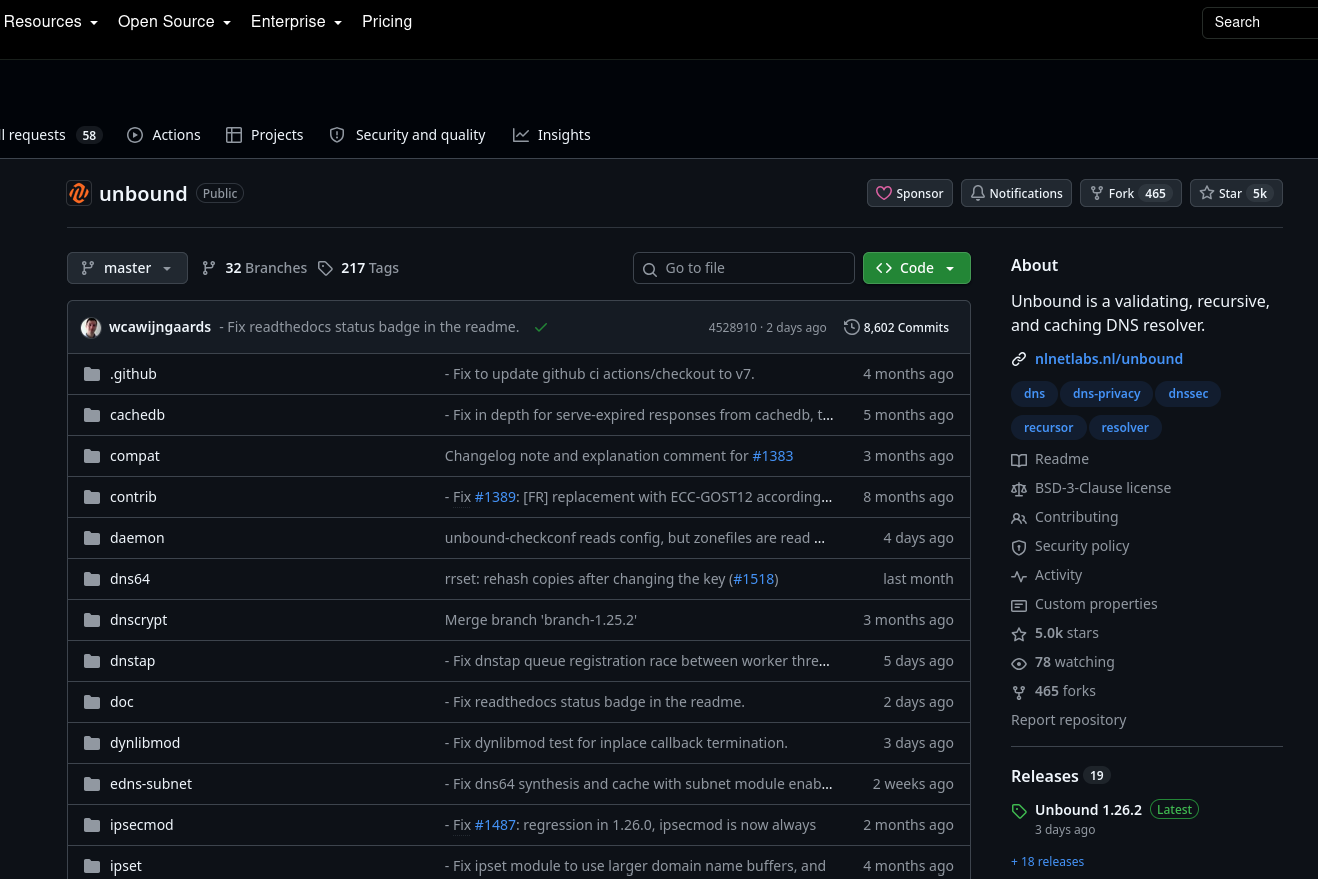
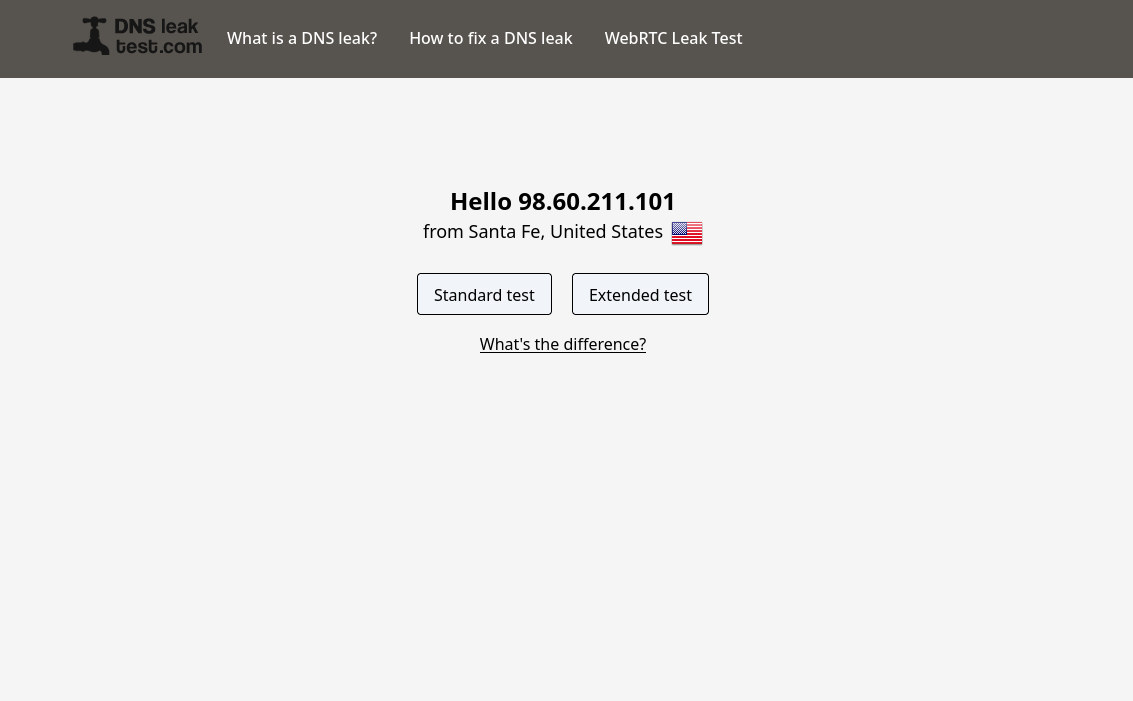
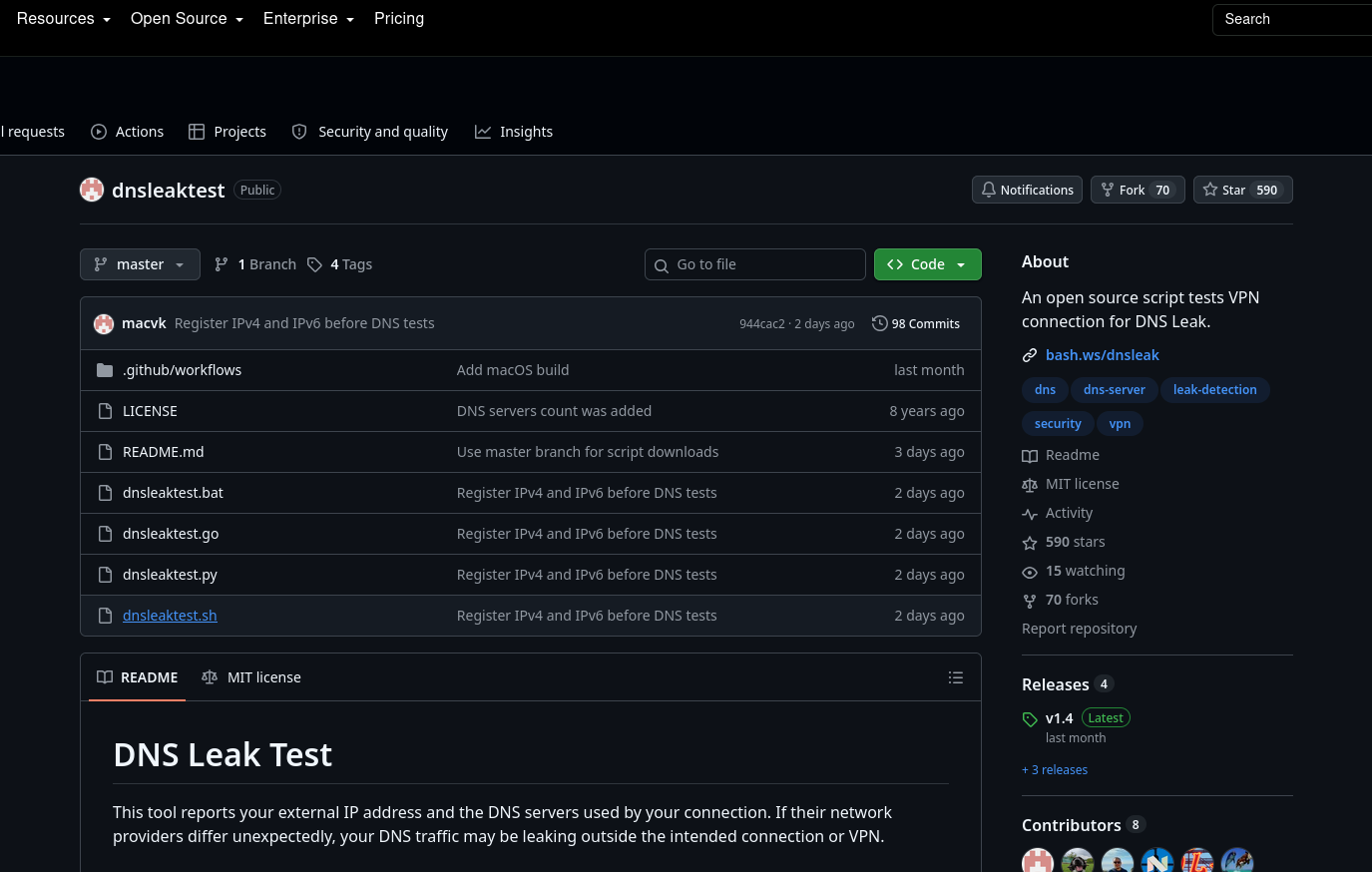
Once the data center was now fully ipv4 + ipv6 ready and I could smtp over ipv6, set PTR records as needed for ipv6, and so I figured it was a suitable time to set up unbound. First, I wanted to set it up on the bare metal or host machine itself, and then would set it up individually on VMs that warranted its usage. The biggest challenge here was adapting the config and ensuring it was safe and/or properly setup for this environment, specifically as far as ACLs and access to the host / DNS server was concerned. Switching to unbound turned out to be very speedy. Install, add config, adjust /etc/resolv.conf and systemctl restart networking. The virtual machines lose connectivity during this stage so I had to shutdown each one and and start it up again. Once this was done, I went in and changed the 4 email servers I manage to use unbound as well. It was even easier for the VMs – just install, config, reboot and done. After setting up the public unbound config, I located a script project on github that tests for DNS leaks. For the wan-side DNS, resolv.conf is:
nameserver ::1
nameserver 127.0.0.1
Gallery:
Receipts:
Setting up a three node bind9 authoritative DNS server
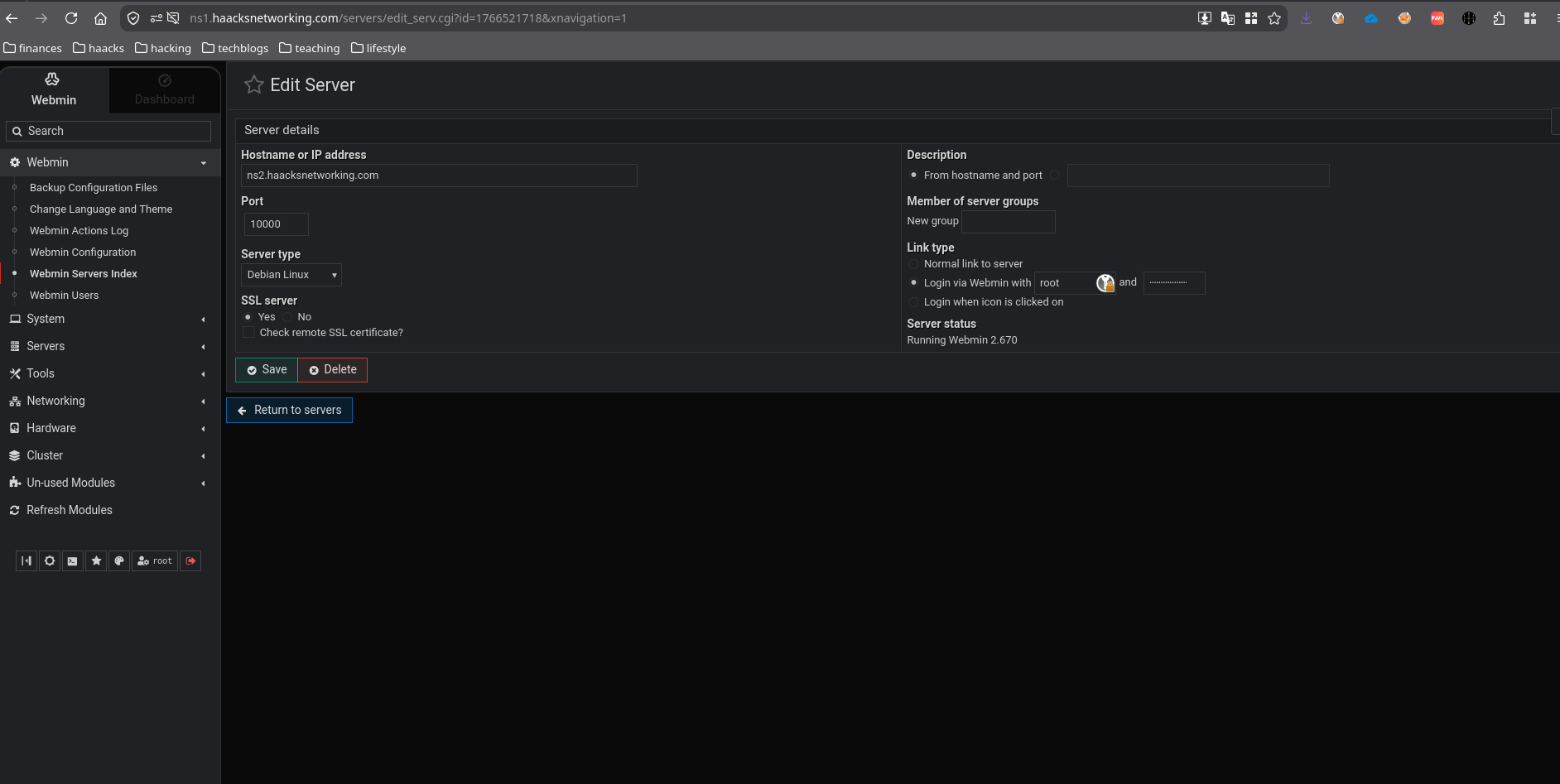
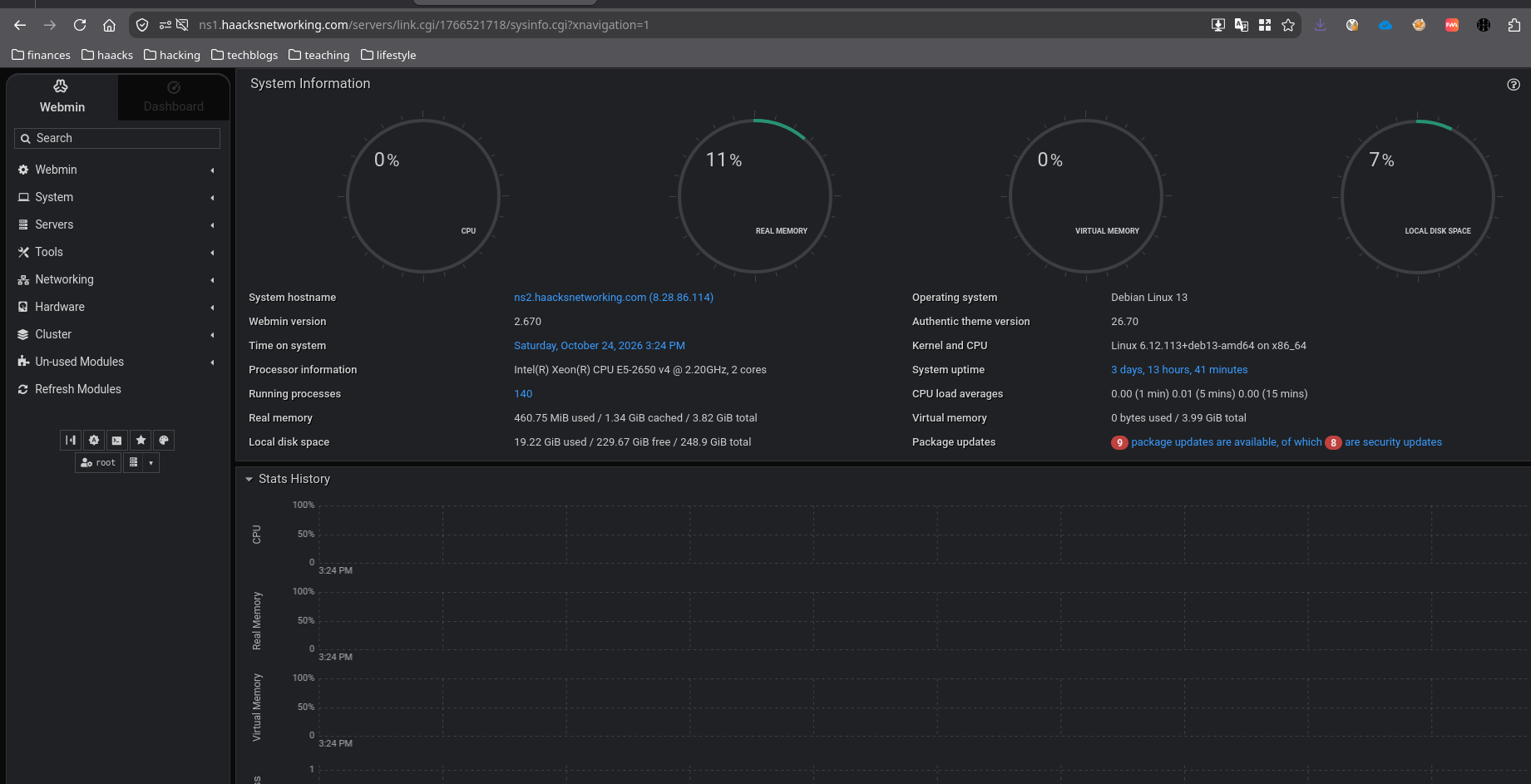
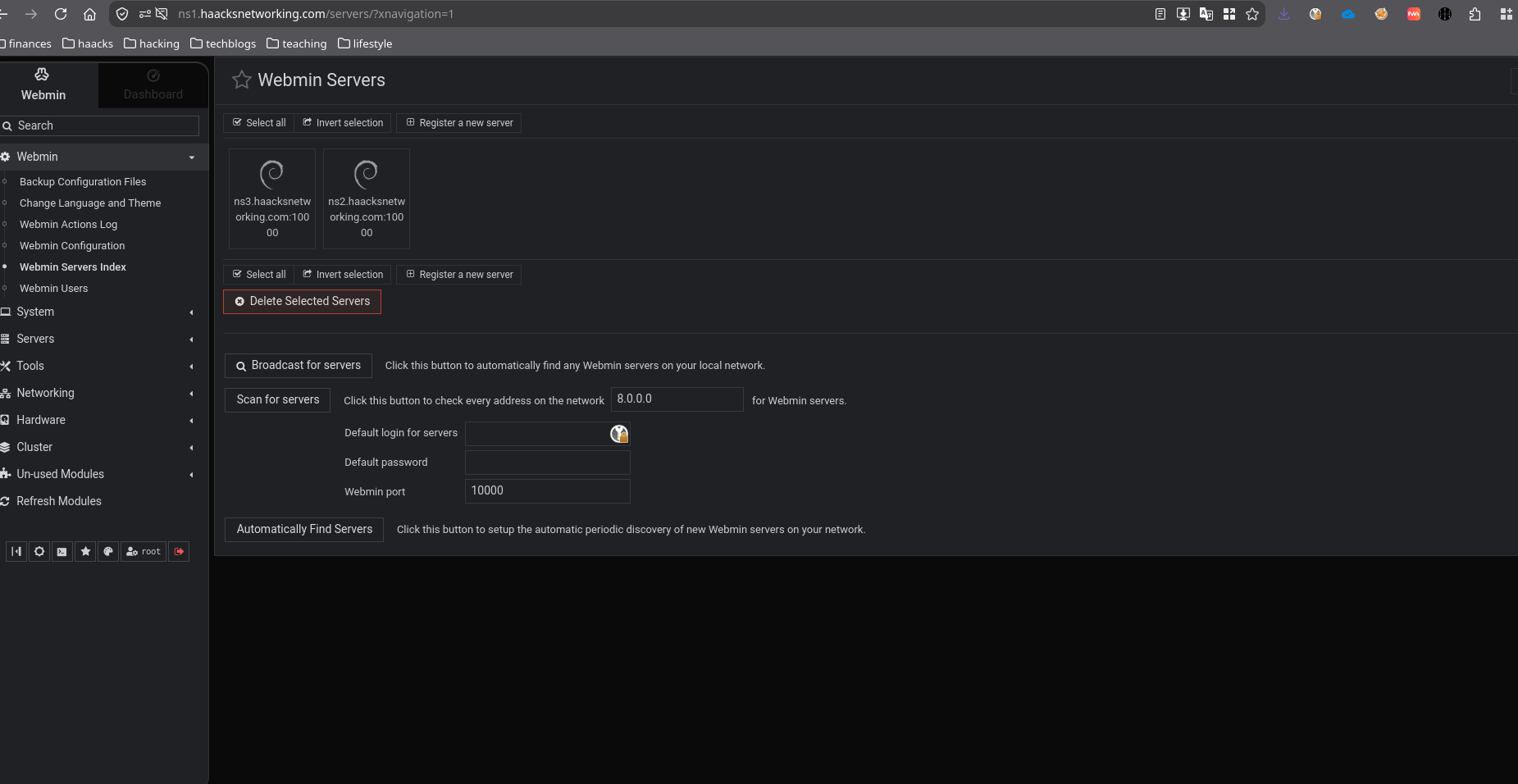
I first setup a three node authoritative DNS server using the Perfect Server setup on howtoforge.com as a jumping off point along with ISP Config’s hefty documentation. This was a very wonky setup involving mysql on a local-only node to node database setup, layers and loads of software that comes with ISPConfig that did not need to be setup, a wonky ACME implementation that was unreliable and more. It worked … but I did not like it. I left it running for too long because it worked. Moreover, it was just changing bind9 under the hood and you could not only verify what it was doing, but/and could hack/fix it when it messed up. Nevertheless, while a compelling product on its own right, I did not need all of ISP Config to handle DNS, but/and I wanted a simple GUI to manage bind9 with and simultaneously have whatever GUI I use, work alongside manual CLI configuration as well. While searching around online, I was amazed to see Linux Babe had suggested webmin. Webmin? The legacy web front end for your whole system? To be frank, I had never taken webmin seriously, but I decided to let that go and test it out. I was pleasantly surprised to find that webmin had built in clustering across TLS/https, and you could link the three VMS/nodes I was making on the backend for the authoritative DNS server. I had to spend a week or so, off and on, testing where and how Webmin does its bind9 work. It’s far more complicated on making DNSSEC records and it has slightly different conventions in naming and block creation than what I do on my own. But/and, it works fine and I’ve documented the nuanced differences between what it does and what I do on the blog post below.
Gallery:
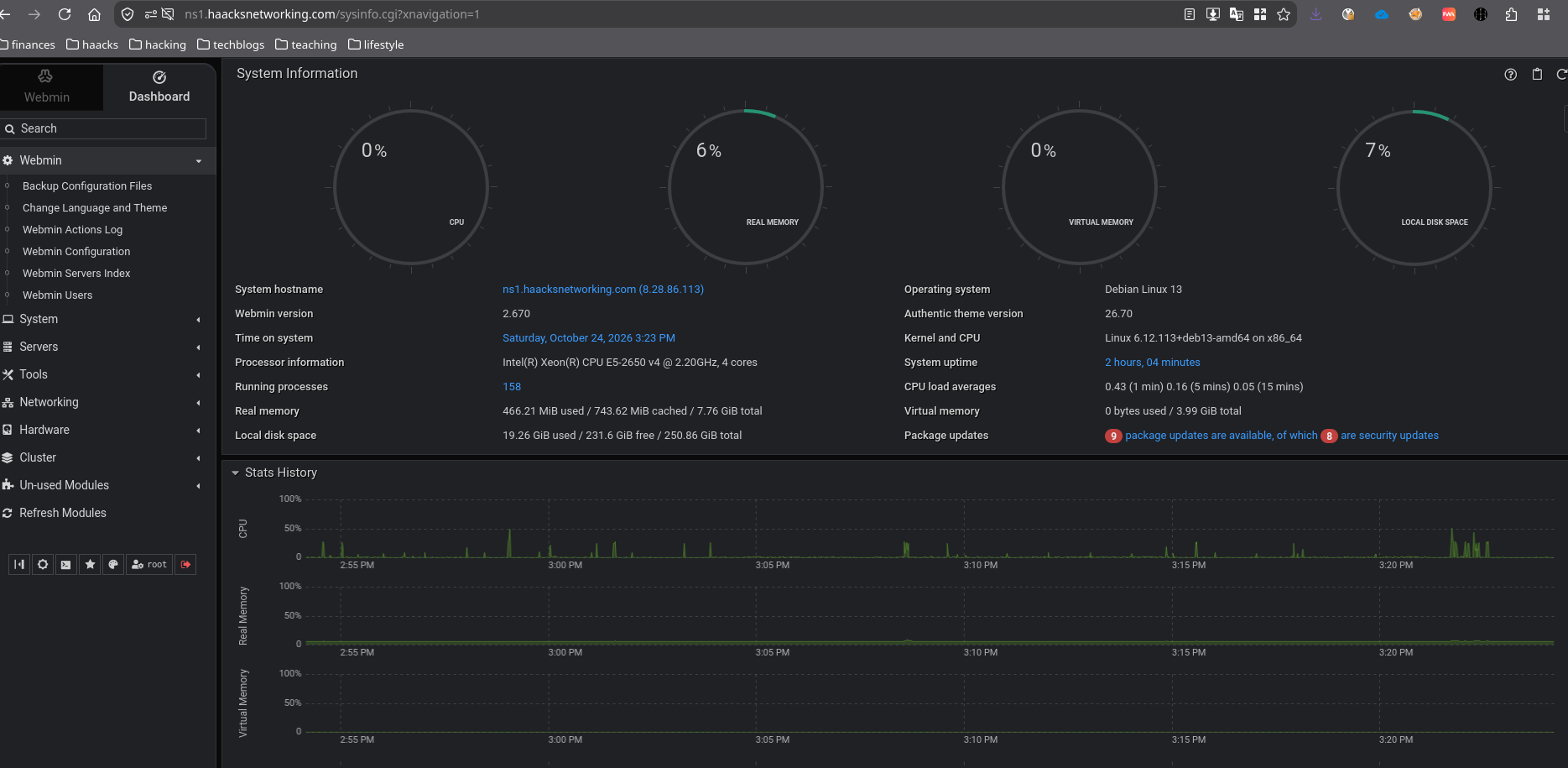
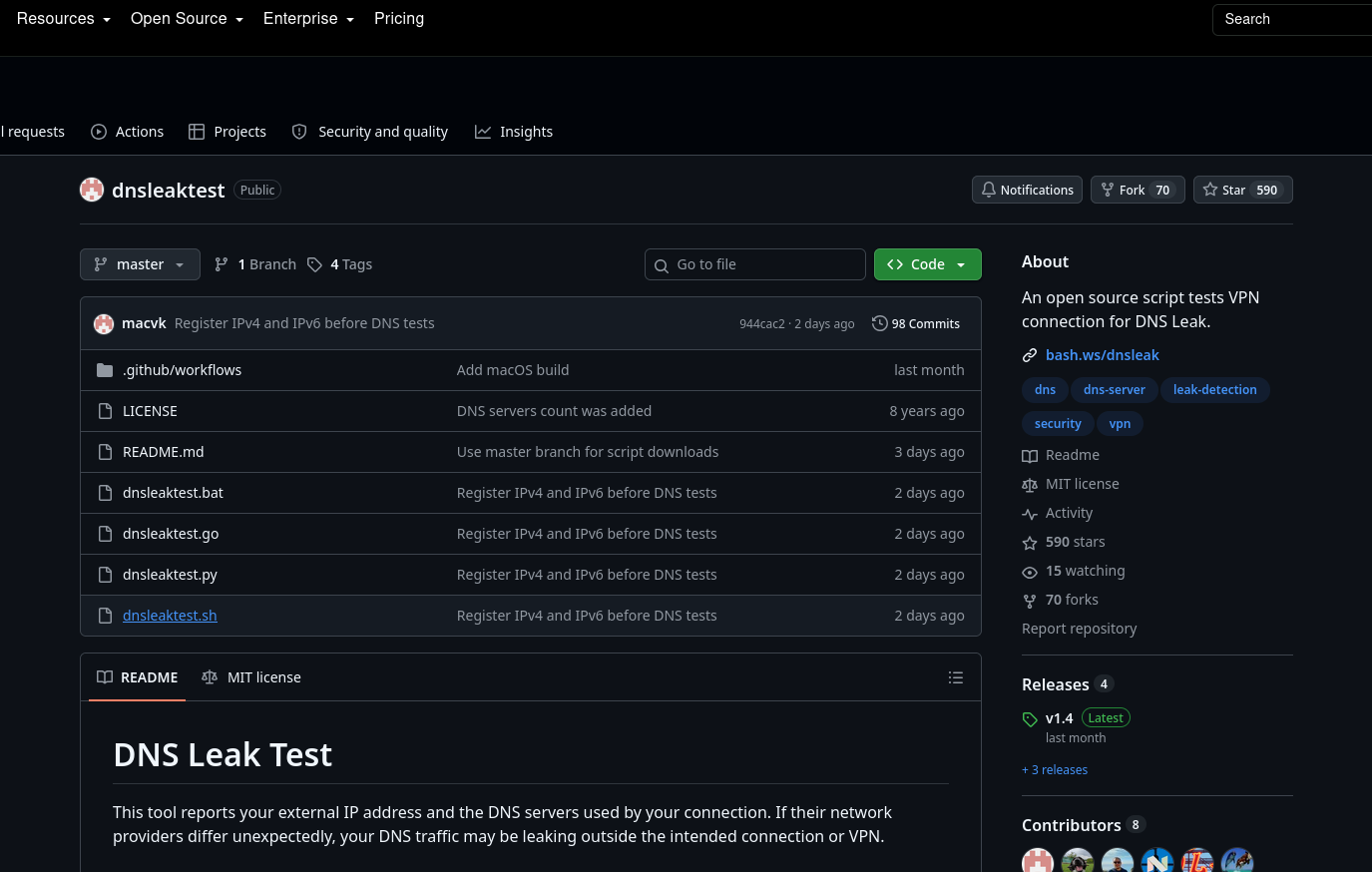
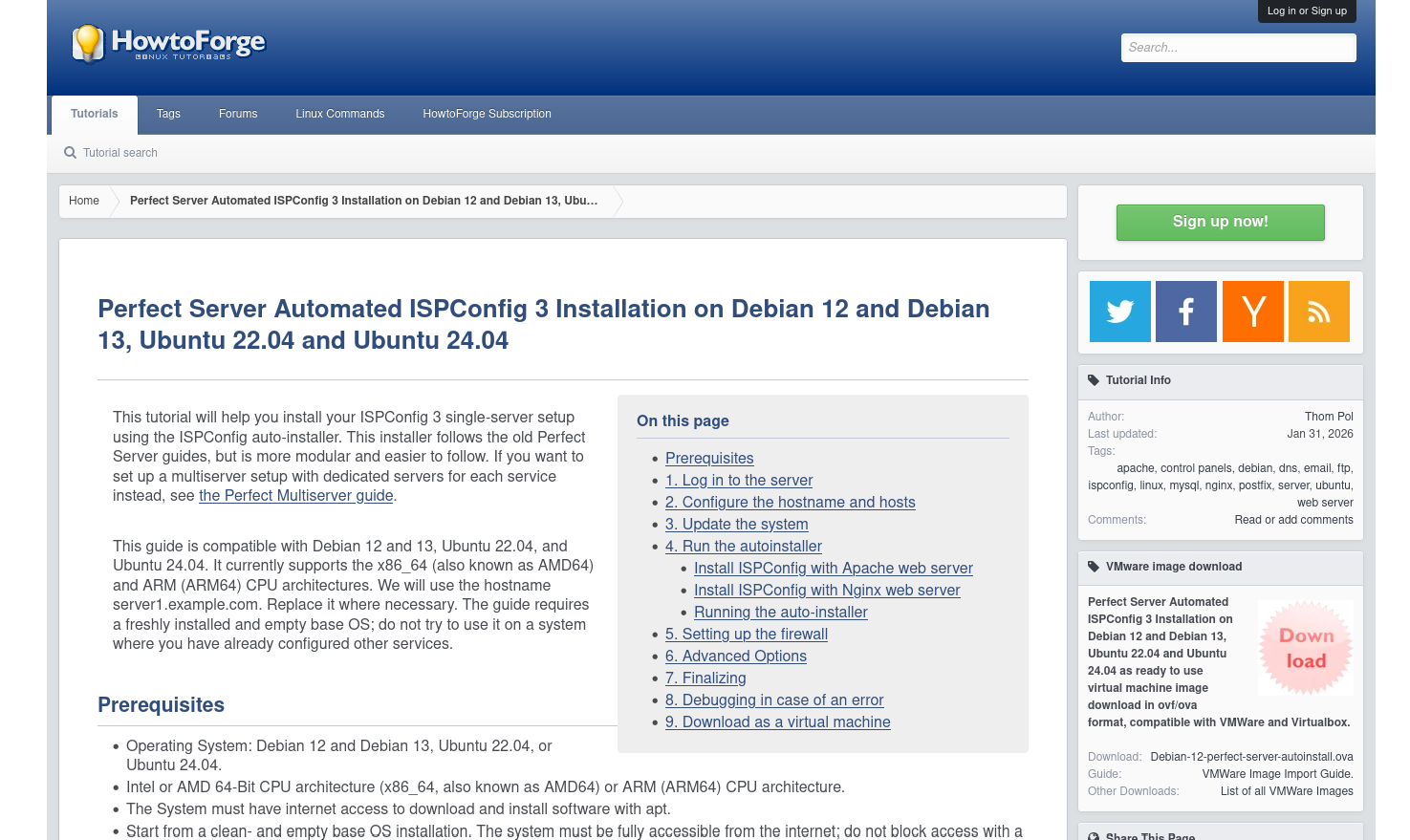
Receipts:
- Linux Babe’s webmin suggestion
- Setting up an authoritative Bind9 DNS server w/ CLI + Webmin
that uses unbound for recursive DNS queries (2024 – present) - Perfect Server w/ ISPConfig
- Setting up an authoritative Bind9 DNS server w/ ISP Config
Limitations and scale
- This is home or small business (25 and under) maximum
- Larger question is not about scaling this three node server, but/and scaling to an environment that supports this and all the rest
- Backups, restore points, and rising compute, ram, and storage costs
- Exposure on ssh (all three nodes) – well-tuned fail2ban required
- Exposure on 80/443 on ns1 (one node) – well-tuned fail2ban required, apache2 source IP allow-list recommended
- Cockpit pcp logging and network-manager, using custom vnet names, is recommended setup
But why? What are we even doing here?
There are two main reasons I explore these topics and solutions. First of all, I offer floss-based services to clients, so I often use my home office and family network to test out configurations that I later deploy. For privacy-focused and complexity tolerant clients, some of these solutions are relevant and helpful. While few clients will use all of these solutions, many will use some of these solutions.
The second of the main reasons I do these tutorials and this work is that I like to host community instances. Even though I used BSD and/or GNU/Linux professionally since 2000, I still interfaced and used proprietary phones and routers until around 2014. Since then, I’ve been trying to flossify my life more. It takes time and I rest on the shoulders of these great free libre and open source projects that others have made. And as I make those solutions accessible to me, it is mutually beneficial for me to share those solutions with others on the same journey.
My target audience is educators and/or small businesses. Both of these sectors need compelling, value-adding solutions that don’t break the budget or raise complexity to unmanageable levels. With that said, people from other sectors and backgrounds might find some or all of these solutions valuable. Everyone is welcome to dialogue with me on these matters. You can find me on Delta Chat and/or Matrix:
Have fun unless you made other plans!
– oemb1905